Audit screen
The permanent record of every change made to time that was already invoiced.
On this page
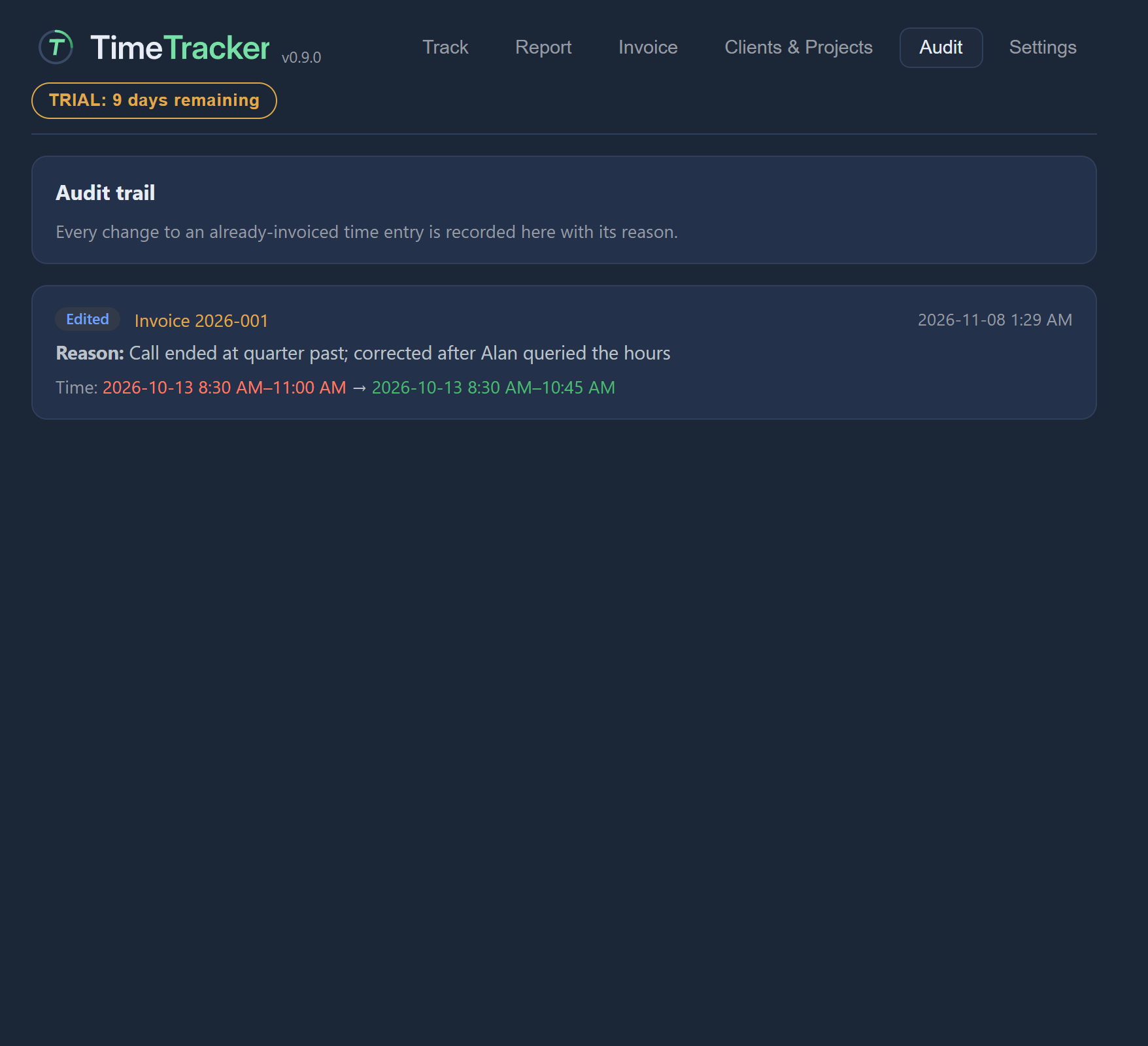
Audit record
One recorded change to an entry that was already on an invoice: whether it was edited or deleted, which invoice, when, the reason you gave, and what changed.
Example. Maya can see that on 3 November she moved an hour from "Brightleaf Website" to "Routine updates" on invoice 2026-007, and why.
Audit trail
Every change to an entry that was already on an invoice: what it was, what it became, and the reason given.
Example. Priya asks why an invoiced figure changed. Maya opens the Audit tab and reads her the reason she recorded.